Creating a well-organized home office is essential for improving your productivity and comfort throughout the day. Whether you work remotely full-time or occasionally need a quiet spot for tasks, having a tidy and efficient workspace can make a huge difference. In this post, we’ll share simple tips to help you organize your home office, so you can focus better and enjoy your work environment.
Why Organize Your Home Office?
A cluttered workspace can lead to distractions, stress, and even reduced motivation. Organizing your office not only helps you find what you need quickly but also creates a peaceful atmosphere that encourages better focus. Additionally, a comfortable office design supports good posture and reduces fatigue.
—
1. Declutter and Prioritize Essentials
Before bringing anything into your home office, start by clearing out unnecessary items.
– Sort your belongings: Separate items into categories: essentials, occasionally used, and non-essential.
– Remove the unnecessary: Donate, recycle, or store away things you rarely use.
– Keep only what you need within reach: Limit your desktop to basic tools like your computer, notebook, and a few pens.
This step frees up space and promotes a cleaner, more organized look.
—
2. Choose Functional Furniture
Your furniture plays a big role in how comfortable and efficient your workspace is.
– Ergonomic chair: Invest in a chair that supports your back to prevent discomfort during long working hours.
– Desk with storage: A desk that includes drawers or shelves can help keep supplies organized and surfaces tidy.
– Adjustable desk options: Consider standing desks or adjustable desks to change your posture throughout the day.
Selecting the right furniture tailored to your needs can enhance both comfort and productivity.
—
3. Maximize Your Storage Solutions
Good storage is the backbone of an organized office.
– Use vertical space: Install shelves or wall organizers to keep books, documents, or decorative items off your desk.
– Drawer organizers: Use dividers to separate small items like paper clips, chargers, or sticky notes.
– Label storage containers: Clear labeling saves time when searching for things and encourages putting items back in their place.
Keeping similar items grouped together helps maintain order and reduces clutter.
—
4. Optimize Cable Management
Messy cables can create a distracting mess and even cause accidents.
– Cable clips or organizers: Use clips to attach cables neatly along desk edges or under surfaces.
– Cable sleeves or boxes: Group cables together to avoid tangling.
– Wireless options: Where possible, switch to wireless keyboards, mice, or headphones.
A clean cable setup improves the aesthetics and safety of your workspace.
—
5. Personalize Your Space Thoughtfully
A home office should be both productive and welcoming.
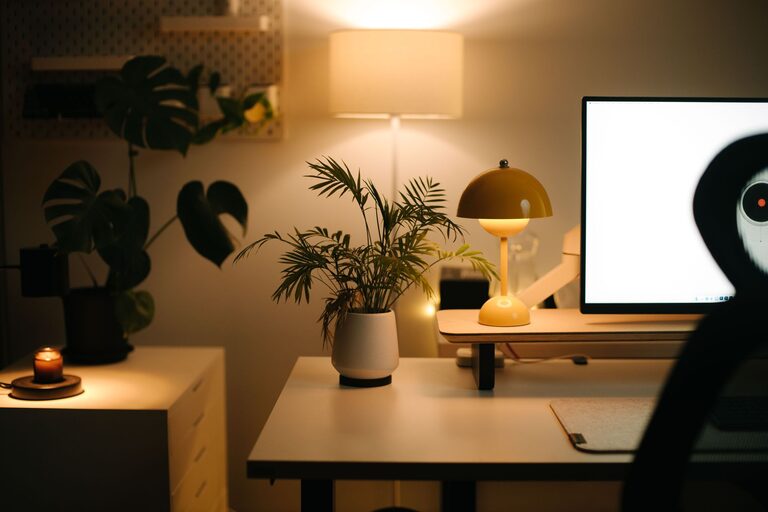
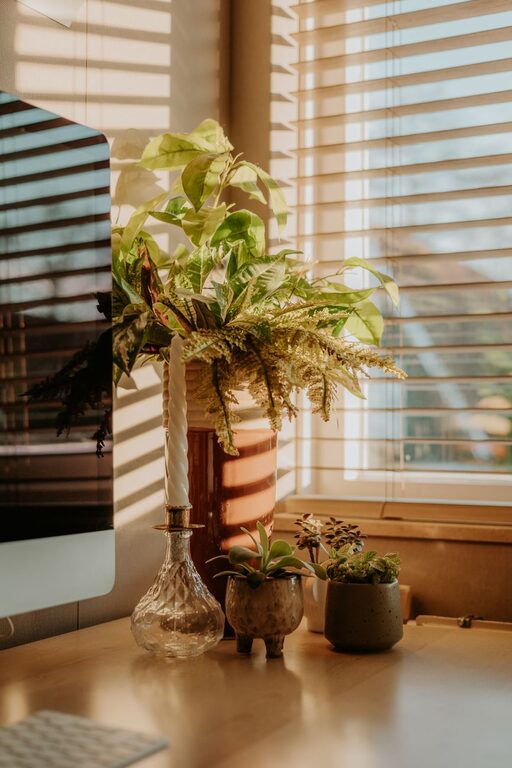
– Add plants: Small indoor plants can improve air quality and add a touch of nature.
– Use adequate lighting: Balance natural and artificial light to reduce eye strain and brighten your workspace.
– Incorporate meaningful decor: Photos, artwork, or motivational quotes can inspire but avoid over-decorating to prevent distractions.
Personal touches make your office feel inviting without compromising efficiency.
—
6. Establish an Efficient Workflow
Organizing your office should support how you work.
– Designate zones: Arrange your desk area for tasks (computer work, writing, or reviewing documents) to avoid constant movement.
– Use task trays or inboxes: Keep incoming paperwork or notes organized.
– Schedule regular cleanups: Set aside time weekly or monthly to tidy up and re-assess your setup.
A well-thought-out workflow helps you stay focused and reduces the time spent searching for materials.
—
7. Maintain Good Air Quality and Comfort
Comfort goes beyond furniture to include the environment.
– Ventilate your office: Open a window or use an air purifier to keep air fresh.
– Regulate temperature: Use fans, heaters, or appropriate clothing to stay comfortable year-round.
– Maintain noise control: Use noise-cancelling headphones or soft background music if needed to block distractions.
A pleasant environment ensures you can work longer without discomfort.
—
Final Thoughts
Organizing your home office doesn’t have to be overwhelming. Start with small changes like decluttering and adding storage, then gradually improve your setup. By focusing on comfort, functionality, and personal touches, you create a space where productivity can thrive naturally. Remember, the key is to keep your space tailored to your individual needs and habits.
Here’s to a more organized, comfortable, and productive home office!